EXP · Exposure
How to Read a Histogram for Better Exposures
The histogram is the most honest exposure tool your camera has. Here is how to read its shape and use it to judge highlights and shadows.
Diagrams
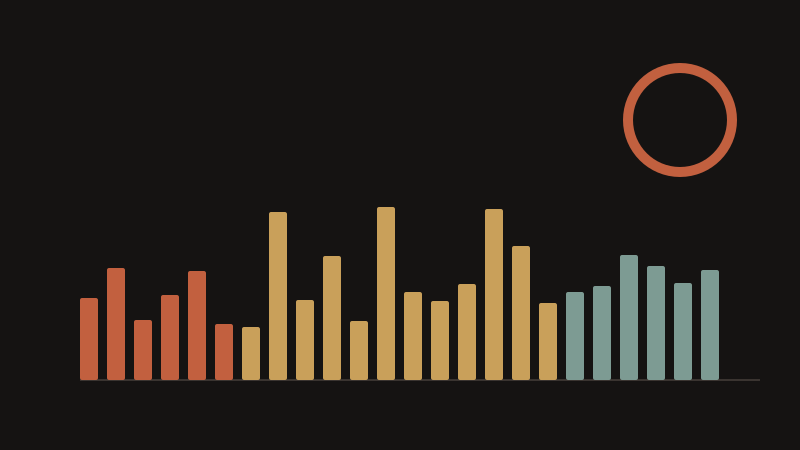
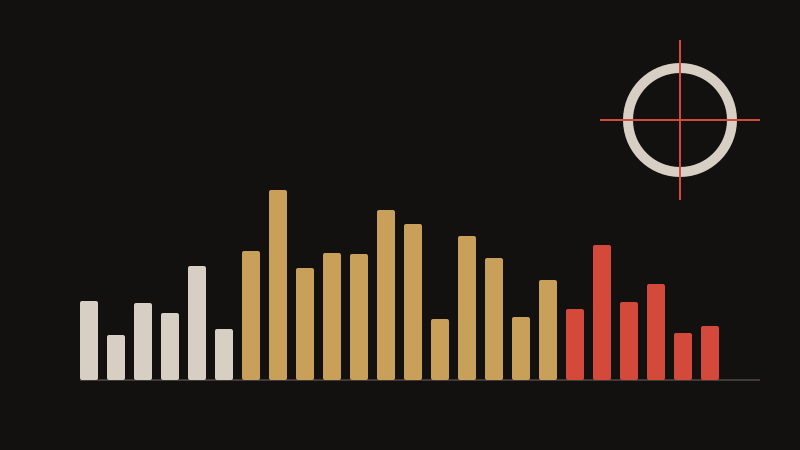
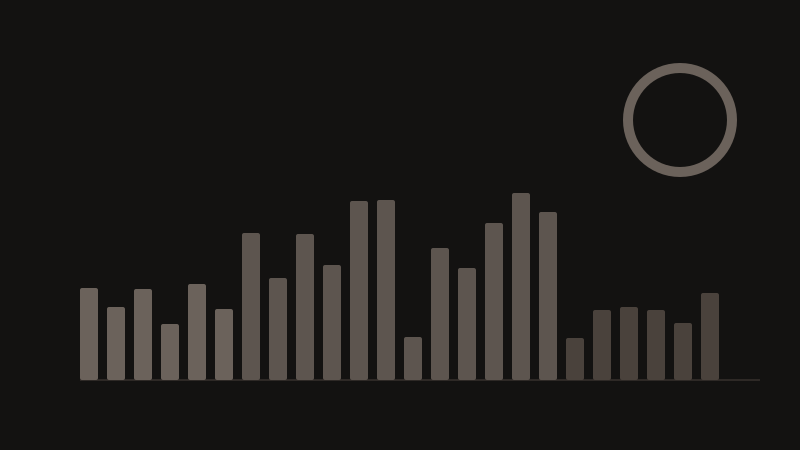
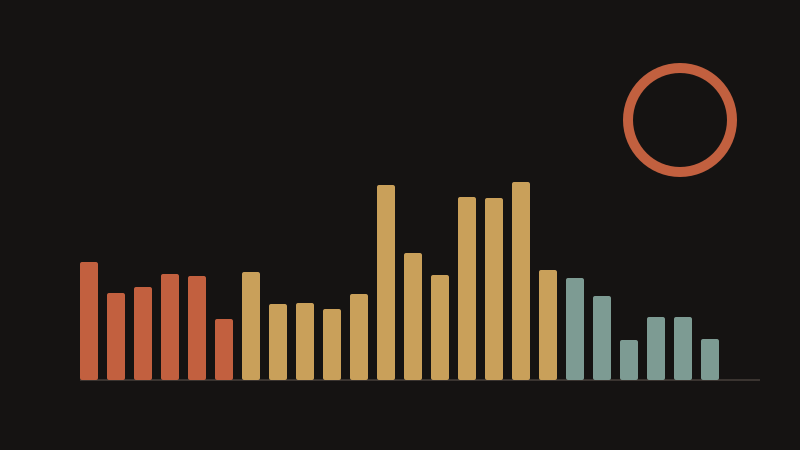
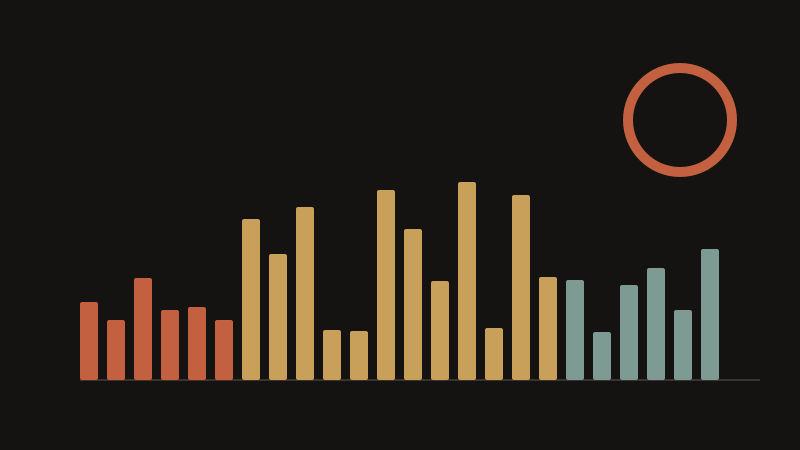
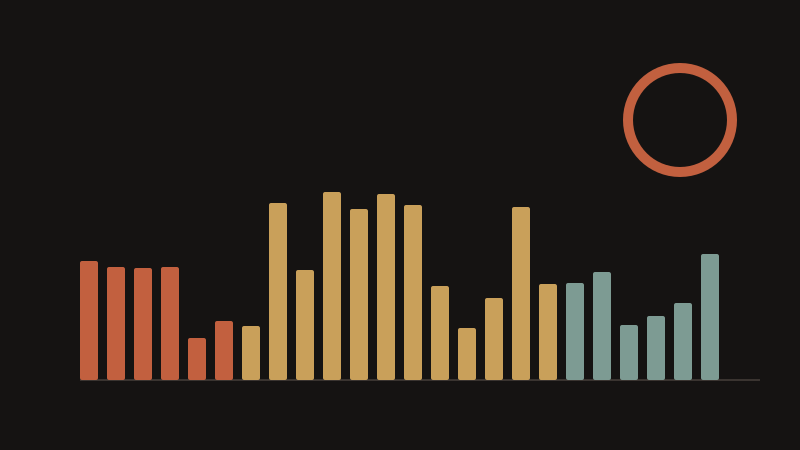
A histogram is a graph of the tones in your photo. The left edge is pure black, the right edge is pure white, and the height of each bar shows how many pixels sit at that brightness. A spike on the left means large dark areas; a spike on the right means bright areas. The shape tells you how the exposure is distributed, which is far more reliable than judging brightness on a small rear screen in daylight.
An ideal histogram is not always centred. For a high-key image such as snow or a bright beach, most tones should sit on the right. For a low-key night portrait, most tones belong on the left. What you must avoid is clipping: data pushed off the right edge is pure white with no detail recoverable, and data off the left edge is pure black. Turn on the highlight warning, often called blinkies, when a bright sky or a white dress fills the frame.
Use the histogram to decide which way to move exposure compensation. If the graph is crushed against the right edge with a tall spike, reduce exposure by one third to one full stop and shoot again. If it piles up on the left with nothing in the upper midtones, add one third to one full stop. On most cameras, raw files hold about one stop of recoverable highlight detail beyond what the JPEG histogram shows, so a histogram just touching the right edge is usually fine.
Two things the histogram cannot tell you: where those tones sit in the frame, and whether a blown highlight actually matters. A specular reflection or the sun itself is fine to clip. Learn the shape for the scenes you shoot most, and check the histogram after the first frame rather than after every single shot.
Key points
- The left edge is black, the right edge is white, and height shows how many pixels sit at each tone.
- A right-side spike means reduce EV; a pile-up on the left means add EV.
- Clipping off either edge loses detail permanently, so watch the highlight warning.
- Raw files recover about one stop beyond the JPEG histogram, so touching the right edge is usually safe.