EXP · Exposure
Exposure Compensation: Fixing Bright or Dark Photos
Exposure compensation is the fastest way to correct a photo your camera got wrong. Learn the EV scale and when to dial in plus or minus.
Diagrams
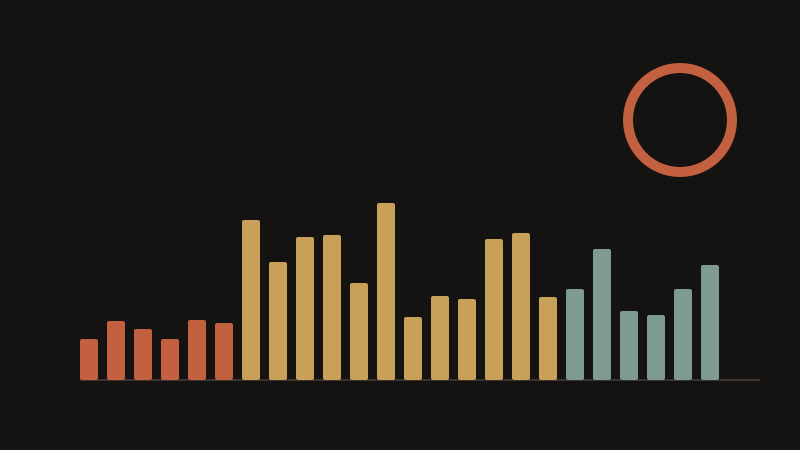
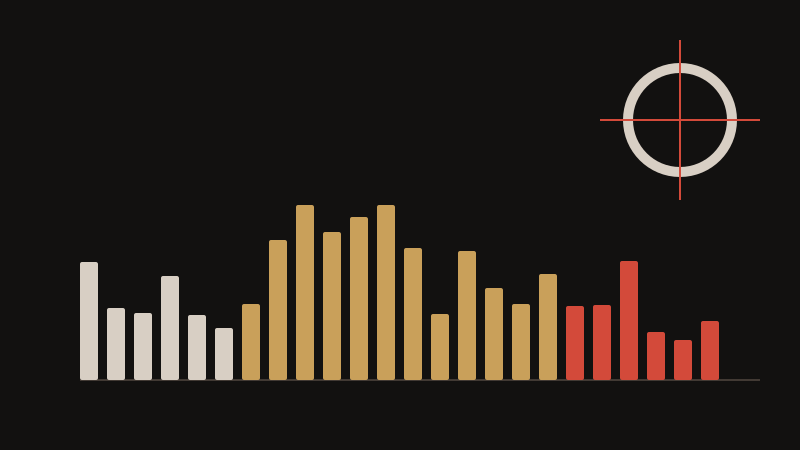

Exposure compensation lets you override the camera's metered exposure without leaving aperture priority, shutter priority, or program mode. It is marked as EV, usually from -3 to +3 or -5 to +5, in one-third-stop steps. Dial in +1 EV and the camera gives one stop more light, brightening the image; dial in -1 EV and it gives one stop less. This is the fastest fix in photography, because it changes nothing about how you shoot.
The camera assumes the world averages out to mid-grey, and it is wrong whenever a scene is unusually bright or dark. Snow, a white beach, or a backlit sky fool it into underexposing, so add +1 to +2 EV to make snow look white instead of grey. A black car, a dark stage, or a night scene fool it into overexposing, so subtract -1 to -2 EV to keep blacks black. In each case you are correcting the meter, not the subject.
Backlighting is the other common case. When your subject stands in front of a bright window, the meter exposes for the window and turns the face into a silhouette, so add +1 to +1.5 EV, or better, spot-meter on the face. If your camera has a dedicated exposure compensation dial, adjust it while watching the histogram and the highlight warning. If it does not, most cameras assign the function to a rear dial or a quick menu.
Remember to zero the dial when you move on, because a leftover +2 EV will blow out your next sunny shot. Compensation is applied at the moment of capture, so use it deliberately rather than trying to guess later.
Key points
- EV is measured in stops: +1 EV is one stop brighter, -1 EV is one stop darker.
- Snow and bright beaches: +1 to +2 EV. Dark stages and night scenes: -1 to -2 EV.
- Backlit faces need +1 to +1.5 EV, or spot-meter on the face instead.
- Zero the dial after every scene change or your next shots will be wrong.